
The talk about screen time is not working
Not because parents are not trying — because the tools are in the wrong place
X-Portal puts the rules one level down — in the router every device has to go through. Nothing to install on the device, nothing for a child to remove, and it applies the moment anything joins the Wi-Fi.
Screen time you set once
A daily allowance, a schedule, and a button for when the answer is just no
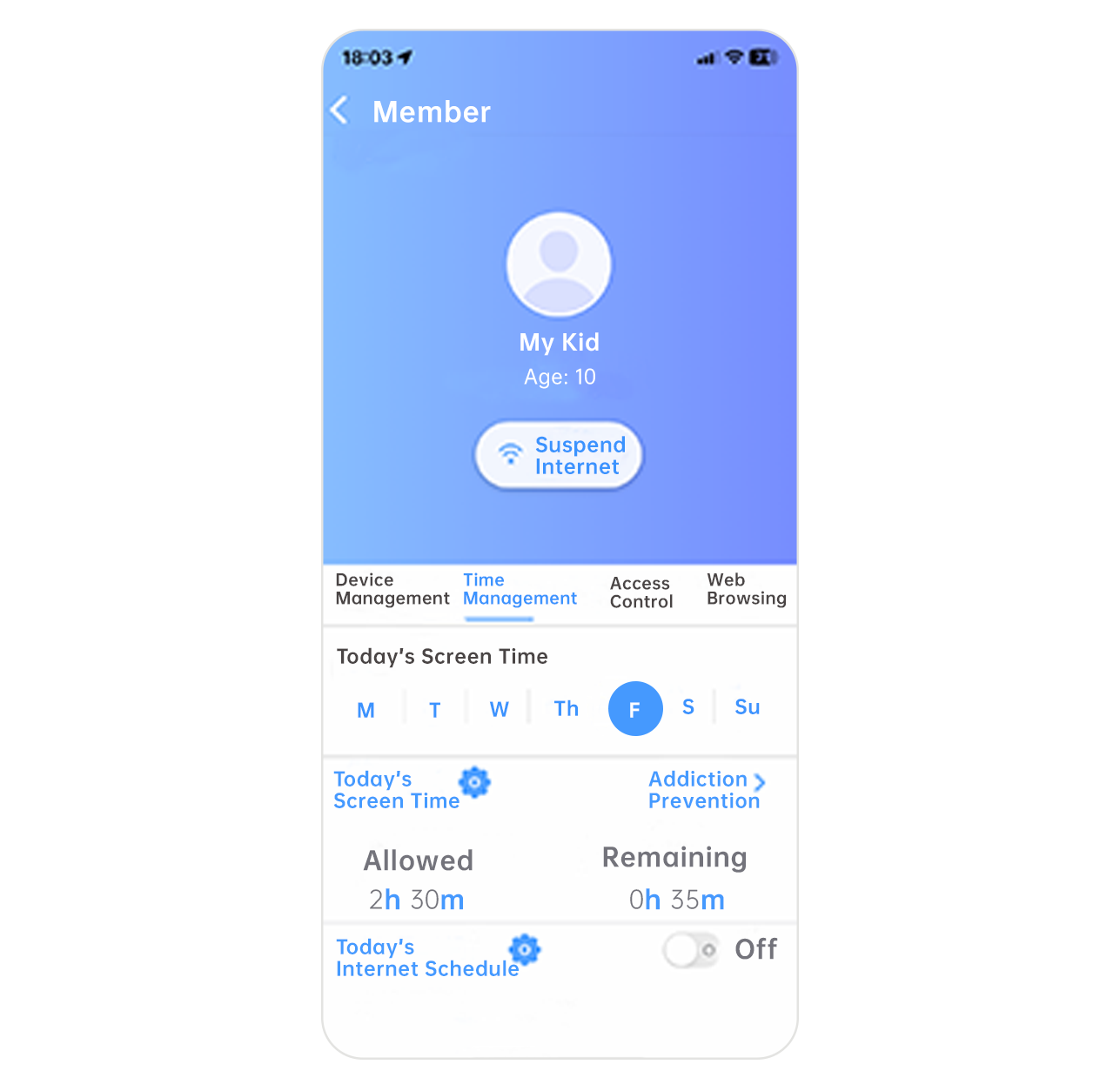
- A daily allowance per child — the app shows what was allowed and what is left, today and across the week
- Schedules that run themselves — homework hours, mealtimes and bedtime become rules the network keeps, not reminders you repeat
- Suspend the internet on the spot — immediately, or after a 15 or 30 minute warning so it lands as a countdown instead of a cut-off
Study mode
One tap turns the house into a place where homework can actually happen
Telling a child to focus while the same device holds every game, feed and video ever made is not a fair fight. Study mode is a profile switch, not a rule edit: one tap on the parent's phone — or a schedule tied to homework hours — and the child's whole profile changes at the network level.
- Entertainment goes quiet, schoolwork does not — video, games, social and shopping categories go dark while education stays reachable. It is a focus setting, not a blackout, so the tools they actually need for homework keep working
- Switch by hand or by schedule — flip it when homework starts, or let the schedule do it every weekday evening so nobody has to be the one who says it
- A report the next morning — what was actually used, for how long, in which categories. The conversation starts from something real instead of from suspicion
Because the switch happens in the router, it covers the tablet, the laptop and the console at the same moment — not just the one device a parental control app was installed on.
Apps and sites, by category
Decide what a ten-year-old and a fourteen-year-old each get to reach
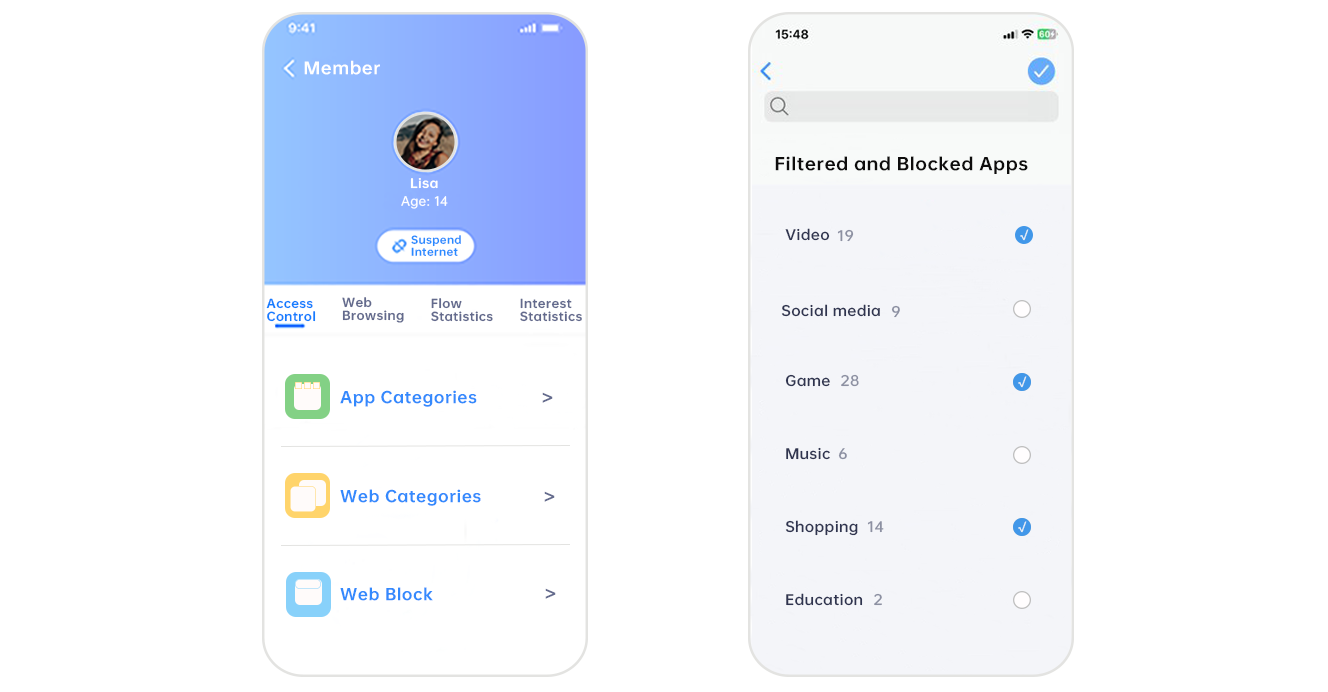
- Categories, not blocklists — video, social media, games, music, shopping and education are recognised as groups, so a new app in a blocked category is already handled
- Web categories and specific blocks — filter whole classes of site, or name the individual ones you want gone
- Automatic classification — sites and applications are identified and sorted for you, against a content database that keeps being updated
- Visibility that isn't surveillance — browsing categories, traffic and interest summaries, so a conversation can start from something real
A profile for every person, not every device
Rules follow the child across everything they pick up
Each family member gets their own profile with their own age, their own allowance and their own categories. Devices are assigned to people, so a rule written once applies to the phone, the tablet and the console together — and a teenager's profile can be loosened without touching a younger sibling's.
Parents see it all from the app, from anywhere. Guests get their own network, with none of it.
A router the family doesn't want to unplug
Parental control on bad Wi-Fi lasts about a week
The fastest way to lose a parental control product is to make the network worse. X-Portal is built as a Wi-Fi 7 router first — the controls are what it also does.
- Wi-Fi 7 (802.11be) — BE3600 dual-band, up to 3,571 Mbps, with 4K QAM, MLO, MRU and preamble puncturing
- Built for a full house — up to 256 concurrent client devices
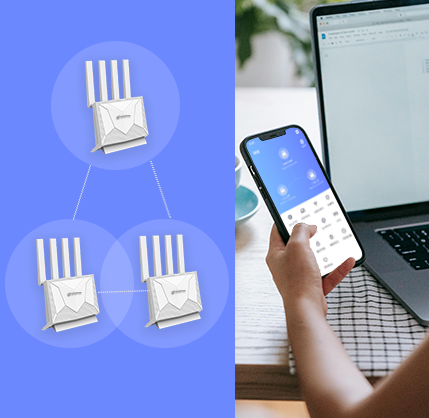
- Whole-home mesh — EasyMesh-based Super Mesh, so coverage extends by adding a unit rather than re-cabling
- 2.5 Gigabit WAN on the IHR7036X, for households already past gigabit broadband
Set up in three steps
Before the kids get home
The hardware
Two Wi-Fi 7 models, the same app and the same controls
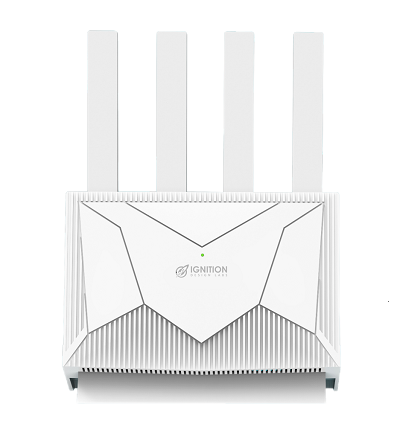 IHR7036XBE3600 · 2.5 Gigabit WANDual-band Wi-Fi 7 with a 2.5G port, 4K QAM and MLO. Up to 3,570 Mbps and 256 concurrent clients.Datasheet
For operators and retail partners
Everything above, under your brand
Family safety is one of the few home broadband upsells subscribers ask for by name — and study mode gives it a second reason to sell that generic content filtering does not have. X-Portal ships as a platform, not just a box: operators and retail partners take the hardware, the app and the classification engine and put their own name on all three.
SmartHome on prplOS Roadmap
The same controls, delivered as a managed service on the gateway you already ship
Parental control sells best when the operator sells it — under the operator's brand, on the gateway already in the subscriber's home, on the operator's bill. That model is proven. What it has not been until now is open: it normally arrives as a single vendor's closed stack, and the gateway, the cloud and the apps all have to come from that one vendor.
IDL is evaluating entry into the prpl ecosystem to build it the other way round — the subscriber apps as prpl life-cycle-managed containers on any prpl-compliant residential gateway, driven from an operator-branded cloud over BBF USP. The operator keeps the brand, the subscriber relationship and the choice of hardware.
Why build it on prpl rather than a closed stack
- The gateway stays a competitive purchase — apps are containers against prpl APIs, so the hardware underneath can be re-tendered without rewriting the service
- Extenders stay multi-vendor — mesh runs over IEEE 1905.1 / EasyMesh through prplMesh, not a proprietary pairing protocol
- Other people's software is welcome — third-party apps run alongside ours on prplWare, and third-party secondary controllers attach over the same USP interface
- Standards the operator already runs — BBF USP for management rather than another vendor-specific northbound to integrate and maintain
This is a roadmap programme, not a shipping product. We are talking to service providers now — early conversations shape which applications land first and which gateway platforms get validated. If home services are on your two-year plan, this is the right moment to be in the room.
Bringing family safety to your subscribers?
Evaluation units, app customization scope and OEM terms are available on request — and if the prplOS managed-service architecture is where you are heading, we are looking for design partners to shape it.
Talk to our team